Bangladesh // NID guide
NID Card Download Online Bangladesh 2026: Official Process & Safety Guide
Learn how to complete your NID card download online in Bangladesh for 2026. Follow our step-by-step guide to get your NID online copy safely and securely.
Introduction
Editorial Note
Last verified: August 2026. This guide is based on official Bangladesh Election Commission procedures. Always verify URLs and never share your OTP.
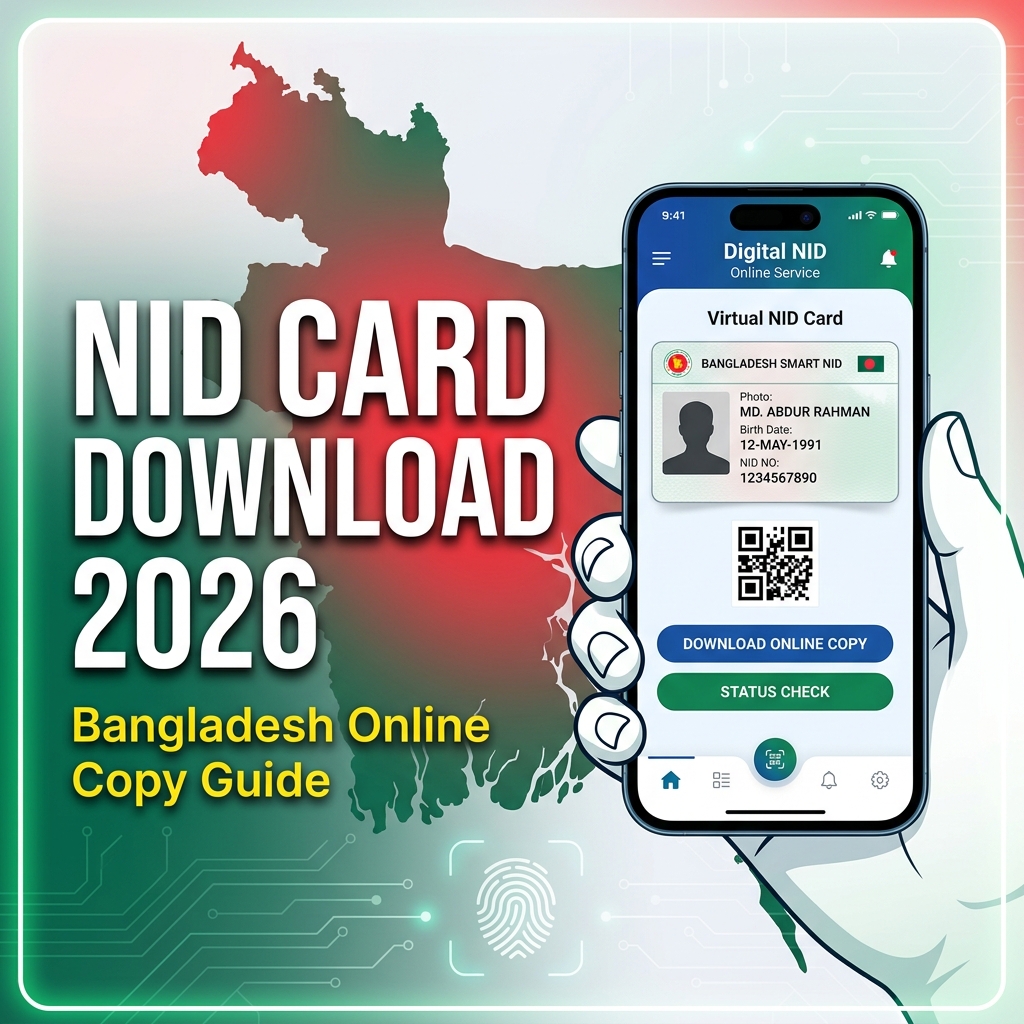
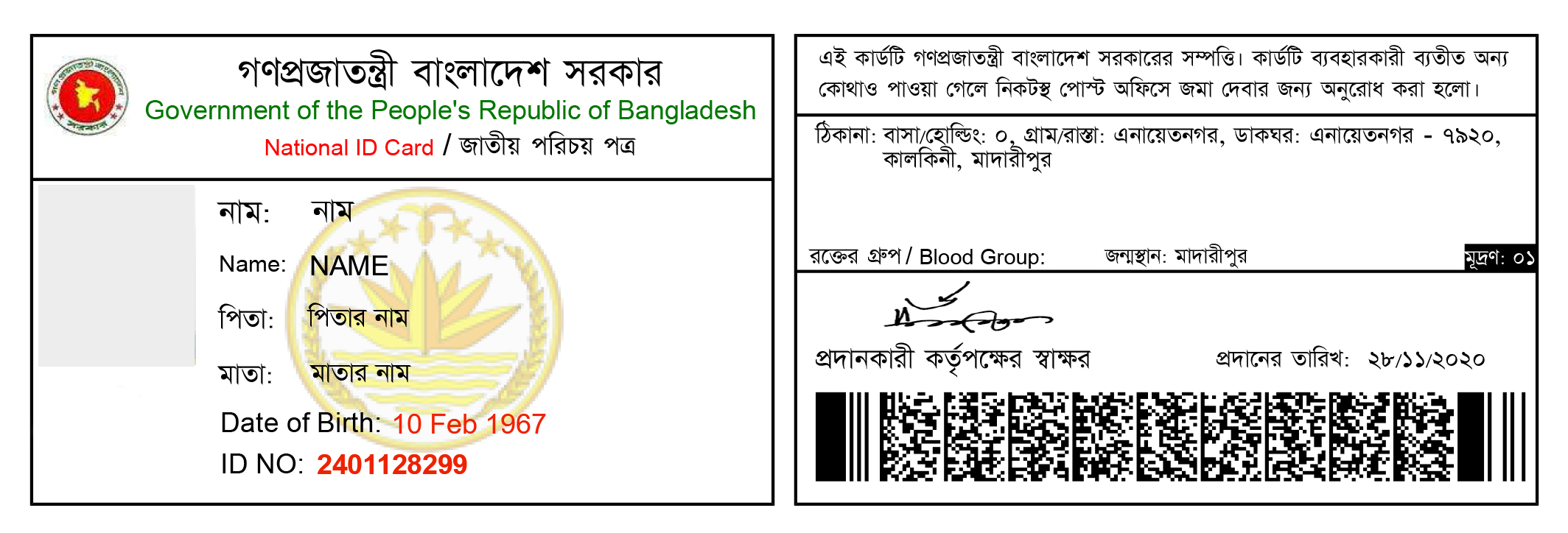
An NID online copy is a digital, printable version of your Bangladesh National Identity Card (জাতীয় পরিচয়পত্র). It is officially provided by the Bangladesh Election Commission and is legally valid for most essential services like banking and SIM registration.
Any registered citizen who has not yet received their permanent Smart NID card, or anyone who has lost their physical card, can use this online service.
You must access this service only through the official government portal. Third-party download websites and Facebook agents are highly dangerous and can misuse your personal data for identity fraud. This guide explains the secure, official process.
Official NID Online Service
The only legitimate website to download your NID copy or verify your NID information is the Bangladesh Election Commission's service portal:
Important Warning: Always verify that you are using the official Election Commission/NID service before entering your NID number, date of birth, OTP, password, or other personal information. Never give your NID number, OTP, or password to an unofficial website, Facebook page, agent, or person claiming to provide "NID download services."
How to Identify the Official Website
Before entering your information, always check the following:
- Domain name: The URL must end in .gov.bd (specifically
services.nidw.gov.bd). Watch out for fake spelling variations likenid-bd.com. - HTTPS connection: Look for the padlock icon, but remember that HTTPS alone does not prove a website is an official government service. Scammers can get HTTPS certificates too.
- Suspicious redirects: The official site will not redirect you to random blogs or ad pages.
- Unexpected payment requests: Downloading an existing NID copy is free. Official fees are only required for corrections or reissues, and are paid through official channels (like Sonali Bank or official mobile banking gateways), not personal bKash numbers.
- Requests for OTP through chat: No government official will ever ask for your OTP via WhatsApp or Facebook Messenger.
What You Need
To use the official portal, you must have:
- NID Number or Form Number: Your unique NID number, or the voter registration form number if you are a new voter.
- Date of Birth: The exact date you provided during registration.
- Registered Mobile Number: You need active access to this number to receive an SMS OTP.
- A Smartphone: You will need to install the official "NID Wallet" app to complete a mandatory face verification scan.
Step-by-Step Guide: Download Your NID Online Copy
Step 1: Visit the official NID service
Open your browser and navigate directly to services.nidw.gov.bd.
Step 2: Register or log in
If you already have an account, click "Log In". If you are a new user, click "Register" or "Claim Account". You will be asked to provide your NID/Form number and Date of Birth, and solve a visual captcha.
Next, you must provide your present and permanent address (Division, District, Upazila) exactly as they appear in the Election Commission database.
Step 3: Complete identity verification
The system will show a masked version of your registered mobile number. Click to send an SMS. Enter the 6-digit OTP you receive on your phone.
After the OTP, the website will display a QR code. Download the official NID Wallet app on your smartphone, scan the QR code on your computer screen, and follow the on-screen instructions to scan your face (looking straight, left, and right). This proves you are the actual owner of the NID.
Step 4: Access the NID online copy
Once your face is verified, your profile dashboard will load. Here, you can optionally set a password for easier future logins.
Step 5: Download the copy
On your dashboard, click the "Download" button. Your NID online copy will download as a secure PDF file.
NID Security & Privacy Tips
NID information is sensitive personal data. It can be targeted for identity fraud, social engineering, and account takeover attempts. Protect yourself by following these rules:
- Never share your NID number publicly. Do not post photos of your ID on social media.
- Never share OTPs. Government systems use OTPs to verify your identity. Sharing it gives attackers full access to your account.
- Never share your NID account password.
- Never send a photo of your NID to unknown people on WhatsApp or Facebook.
- Avoid unofficial NID download websites. They exist only to harvest your data.
- Be careful with messages offering "NID download services." Scammers use these to steal your identity.
- Use secure/private devices when possible. If you must use a shared computer (like at a cyber cafe), log out immediately and delete your downloaded PDF from the local hard drive.
Why NID Security Matters
Your National Identity Card is the master key to your digital and financial life in Bangladesh. If a malicious actor gains access to your NID number, date of birth, and an online copy of the card, they could potentially register SIM cards in your name to bypass Two-Factor Authentication (2FA), apply for loans, open fraudulent bank accounts, or impersonate you online. Treat your NID online copy with the same level of security as a passport or a credit card.
Common NID Download Problems
OTP not received
Wait a few minutes as SMS gateways can be delayed. Check your cellular reception. If it fails, use the official "Resend" option. Do not use third-party OTP bypass tools—they are scams.
Account verification failed
If your address or date of birth is rejected, ensure you are using the exact details from your original voter registration slip. If your face scan fails in the NID Wallet app, ensure you are in a well-lit room, remove glasses, and follow the head-turning prompts slowly.
NID copy is not available
Sometimes, newly registered voters may find their data has not been fully processed on the central server yet. Wait a few weeks or contact your local Upazila Election Office for official assistance.
Login problem
If you forgot your password, use the official "Forgot Password" link on the portal. You will need access to your registered mobile number and the NID Wallet app to recover it securely.
Information mismatch
If you successfully download your NID but notice a spelling mistake or wrong date of birth, do not use unofficial services promising quick fixes. You must apply for an official correction through the portal, upload supporting documents (like an SSC certificate), and wait for approval.
What I Verified
| Information | Status | Source |
|---|---|---|
| Official NID portal | Verified | Bangladesh Election Commission |
| Registration process | Verified | Official NID Portal Guidelines |
| Login process | Verified | Official NID Portal Guidelines |
| Online copy/download process | Verified | Official NID Portal Guidelines |
| Support information | Verified | Official NID Portal Guidelines |
Frequently Asked Questions
Can I download my NID online?
Yes. Any registered voter in Bangladesh can download a digital PDF copy of their NID directly from the official Election Commission portal at services.nidw.gov.bd.
Is the online NID copy valid?
Yes. The printed online copy is legally valid for official purposes, including banking, SIM registration, and passport applications, as confirmed by the Bangladesh Election Commission.
What should I do if I forgot my password?
Go to the official login page and click the "Forgot Password" link. You will need your NID number, date of birth, and access to your registered mobile number to reset it.
Why am I not receiving the OTP?
This usually happens due to mobile network congestion or server delays. Wait 5 minutes and try again. If you no longer own the registered SIM card, you must visit your local Election Office to update your phone number in the database.
Can I download someone else's NID?
No. The official system requires active OTP verification and a live biometric face scan via the NID Wallet app. You cannot download an NID without the physical presence and cooperation of the cardholder. This is a crucial privacy and security restriction.
Is it safe to use third-party NID websites?
No. Unofficial third-party NID websites or Facebook pages are highly dangerous. They operate outside the law and are designed to steal your highly sensitive personal information, which can lead to identity theft and financial fraud. Only use services.nidw.gov.bd.
What should I do if my information is incorrect?
Do not trust agents who claim they can quickly change your data. You must follow the official correction process by logging into your account, submitting a correction application, uploading valid legal documents (like a passport or birth certificate), and paying the official government fee.