AI security // practical isolation
How to Sandbox Claude Code: Securing AI Agents with Docker and OS Isolation
Give an AI coding agent enough freedom to work without giving every command unrestricted access to your machine, credentials, and network.
Core principle
Treat the agent as useful code, not trusted code
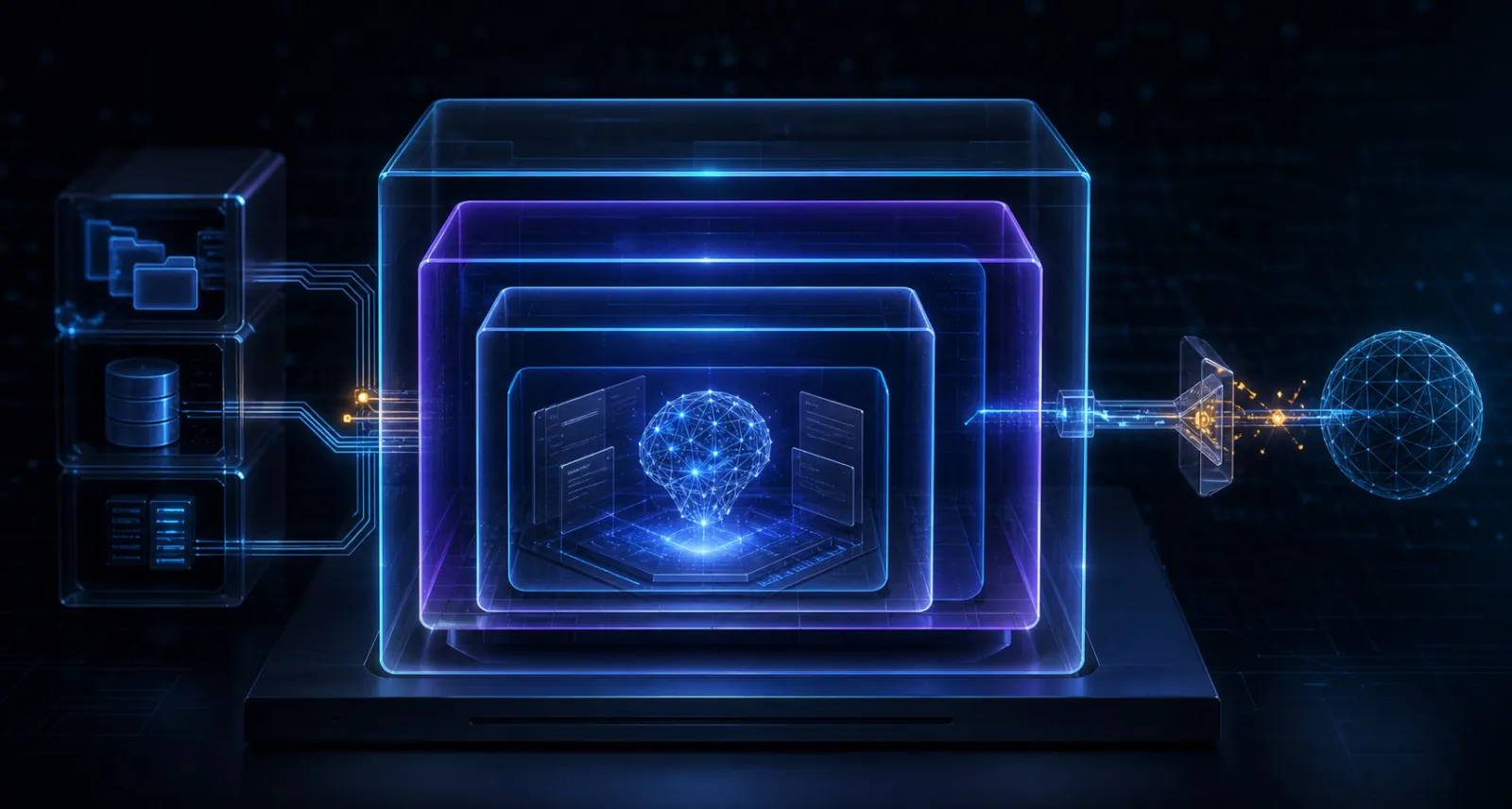
Claude Code can read files, edit a repository, execute commands, call developer tools, and reach network services when allowed. Sandboxing does not make the model infallible. It limits the impact of a mistaken command, a compromised dependency, or hostile instructions hidden in an untrusted repository.
01 // Threat model
What are you containing?
The main risk is not that an AI agent is inherently malicious. The risk is capability combined with imperfect judgment. An agent may misunderstand your request, execute a destructive maintenance script, expose a secret to a subprocess, or follow prompt-injection text embedded in documentation, an issue, a package, or tool output.
Start by inventorying what the session can reach: writable files, SSH keys, cloud credentials, browser sessions, package registries, internal APIs, MCP servers, hooks, Unix sockets, and the public internet. Your sandbox should deny everything the task does not need.
02 // Native isolation
Enable Claude Code's built-in Bash sandbox
Run /sandbox inside Claude Code and select a mode. On
macOS, the feature uses Seatbelt. On Linux and WSL2, it uses
bubblewrap; native Windows and WSL1 are not supported. The boundary
applies to Bash commands and their child processes, not to every
component of the Claude Code process.
By default, sandboxed commands can write to the working directory and session temporary directory. Reads are broader, so sensitive credential paths must be denied explicitly. Network access is mediated through a proxy and new domains require approval unless policy preconfigures them.
{
  "sandbox": {
    "enabled": true,
    "failIfUnavailable": true,
    "allowUnsandboxedCommands": false,
    "filesystem": {
      "denyRead": ["~/"],
      "allowRead": ["."]
    },
    "credentials": {
      "files": [
        { "path": "~/.ssh", "mode": "deny" },
        { "path": "~/.aws", "mode": "deny" }
      ],
      "envVars": [
        { "name": "GITHUB_TOKEN", "mode": "deny" },
        { "name": "NPM_TOKEN", "mode": "deny" }
      ]
    },
    "network": {
      "allowedDomains": [
        "registry.npmjs.org"
      ]
    }
  }
}
This is a restrictive example, not a universal drop-in policy. Add only the paths and package hosts your project actually needs. Credential rules require Claude Code 2.1.187 or later. The model's own API connection is managed by Claude Code; the sandbox network list controls Bash subprocesses. These credential entries also apply to sandboxed commands only, so add permission deny rules for sensitive paths that built-in Read tools must not access.
Reference: Anthropic's current sandbox configuration guide.
03 // Docker boundary
Put the whole development environment in a container
The native Bash sandbox is excellent for daily work, but it does not contain built-in file tools, hooks, or MCP server processes. A Docker dev container moves the entire Claude Code process and development toolchain behind an outer boundary. Repository edits still reach the host through the workspace mount, but unrelated host files remain outside the container.
Anthropic publishes a Dev Container Feature and a reference configuration. A practical starting point is:
{
  "name": "Claude Code sandbox",
  "image": "mcr.microsoft.com/devcontainers/base:ubuntu",
  "features": {
    "ghcr.io/anthropics/devcontainer-features/claude-code:1.0": {}
  },
  "remoteUser": "vscode",
  "mounts": [
    "source=claude-code-config-${devcontainerId},target=/home/vscode/.claude,type=volume"
  ],
  "runArgs": [
    "--cap-drop=ALL",
    "--security-opt=no-new-privileges=true",
    "--pids-limit=256",
    "--memory=4g",
    "--cpus=2"
  ],
  "containerEnv": {
    "CLAUDE_CODE_DISABLE_NONESSENTIAL_TRAFFIC": "1"
  }
}
Rebuild the container, open its terminal, and run
claude to authenticate. Test the configuration against
your toolchain: dropping every Linux capability is desirable, but
specialized debuggers or an in-container firewall may require a
carefully reviewed exception.
Keep Docker's default seccomp profile enabled and never solve a
compatibility problem with --privileged or
seccomp=unconfined. On Linux hosts, Docker Rootless
mode adds another useful boundary by running both the daemon and
containers without root privileges.
Run as non-root
Do not combine autonomous execution with root privileges inside the container.
Mount only the project
Never mount your home directory, SSH folder, cloud credentials, or browser profile.
Keep out the Docker socket
Mounting /var/run/docker.sock can effectively expose control of the host daemon.
Set resource ceilings
Memory, CPU, process, and storage limits reduce the blast radius of runaway commands.
References: Anthropic's dev container guide and Docker's runtime security options.
04 // Egress control
A container without network policy is only half a sandbox
If an agent can read a secret and connect anywhere, filesystem isolation alone cannot prevent exfiltration. Docker's normal bridge networking permits outbound access. Use Anthropic's reference dev-container firewall, a host firewall, or a controlled proxy to allow only the inference, authentication, source-control, and package destinations required by the task.
Avoid broad wildcards. Even a trusted file-sharing or source-control domain may provide a place to upload data. For high-assurance environments, use a TLS-aware organizational proxy with logging, short-lived credentials, and separate identities for each project. Do not expose internal production networks merely because the agent runs inside Docker.
Sandboxing does not change what files you intentionally ask Claude to read or what content is sent to the configured model provider. Isolation controls local effects and reachable resources; it is not a data-classification policy.
05 // Human control
Keep permissions even when isolation is strong
Permissions decide whether an action may run; isolation limits what
happens after it runs. Use both. Deny dangerous tools and sensitive
paths, require review for publishing or deployment, and inspect
git diff before accepting changes.
Anthropic explicitly warns that bypass-permissions mode provides no protection against prompt injection or unintended actions. Use it only in a dedicated container, sandbox runtime, or VM with narrow writable mounts and egress. For most interactive work, standard permissions or auto mode inside a sandbox preserve more safeguards.
06 // Choosing a boundary
Match isolation strength to the repository
| Situation | Recommended starting point | Why |
|---|---|---|
| Trusted daily project | Native Bash sandbox + permissions | Low overhead with filesystem and network enforcement for commands |
| Team-standard toolchain | Hardened Docker dev container | Contains the full development environment consistently |
| Unattended automation | Container, sandbox runtime, or VM | File tools, hooks, and MCP servers need an outer boundary |
| Untrusted repository | Dedicated VM or isolated cloud session | A separate kernel provides stronger separation than a shared-kernel container |
07 // Verification
Test the boundary before trusting it
- Filesystem: confirm the agent cannot read denied credential paths or write outside the project.
- Network: verify an unapproved hostname fails and approved package or API endpoints still work.
- Identity: run
idand confirm the container user is not root. - Capabilities: inspect the container and confirm no unnecessary Linux capabilities or host devices are present.
- Mounts: verify the Docker socket, home directory, SSH keys, browser data, and production secrets are absent.
- Failure mode: remove a sandbox dependency in a test environment and confirm
failIfUnavailableblocks execution. - Recovery: use a disposable branch or worktree, keep backups, and make rollback part of the workflow.
08 // Quick answers
Frequently asked questions
Is Claude Code sandboxed by default?
Claude Code has a permission-based security model, but the native
Bash sandbox must be enabled. Run /sandbox, inspect the
resolved configuration, and use fail-closed settings when isolation
is mandatory.
Is Docker safer than the built-in sandbox?
It covers a wider scope because the complete Claude Code process can run inside the container. It is not automatically stronger in every dimension: a privileged container, broad mounts, a Docker socket, or unrestricted egress can erase much of the benefit.
When should I use a virtual machine?
Prefer a dedicated VM for hostile or unknown repositories, compliance requirements, high-value credentials, or tasks where a shared host kernel is outside your risk tolerance.
09 // Conclusion
The safest agent is deliberately constrained
A strong Claude Code setup is layered: permission rules reduce risky actions, the native sandbox restricts Bash, a container or VM contains the wider environment, and an egress policy limits data movement. Short-lived credentials, narrow mounts, resource ceilings, and reviewable Git changes complete the design.
Begin with the smallest boundary that satisfies your threat model, test it like any other security control, and strengthen it before increasing autonomy. Convenience should come from well-defined limits, not from removing them.
Sources & methodology
Primary technical references
- Anthropic — Configure the sandboxed Bash tool
- Anthropic — Choose a sandbox environment
- Anthropic — Development containers
- Anthropic — Configure permissions
- Anthropic — Claude Code security
- Docker — Rootless mode
- Docker — Seccomp security profiles
- Docker — Container runtime options
Editorial method: Product behavior and configuration details were checked against the official Claude Code and Docker documentation on July 2, 2026. The example policies are intentionally restrictive and should be tested against each project's toolchain.