Identity security // password habits
25 Most Common Password Mistakes People Still Make
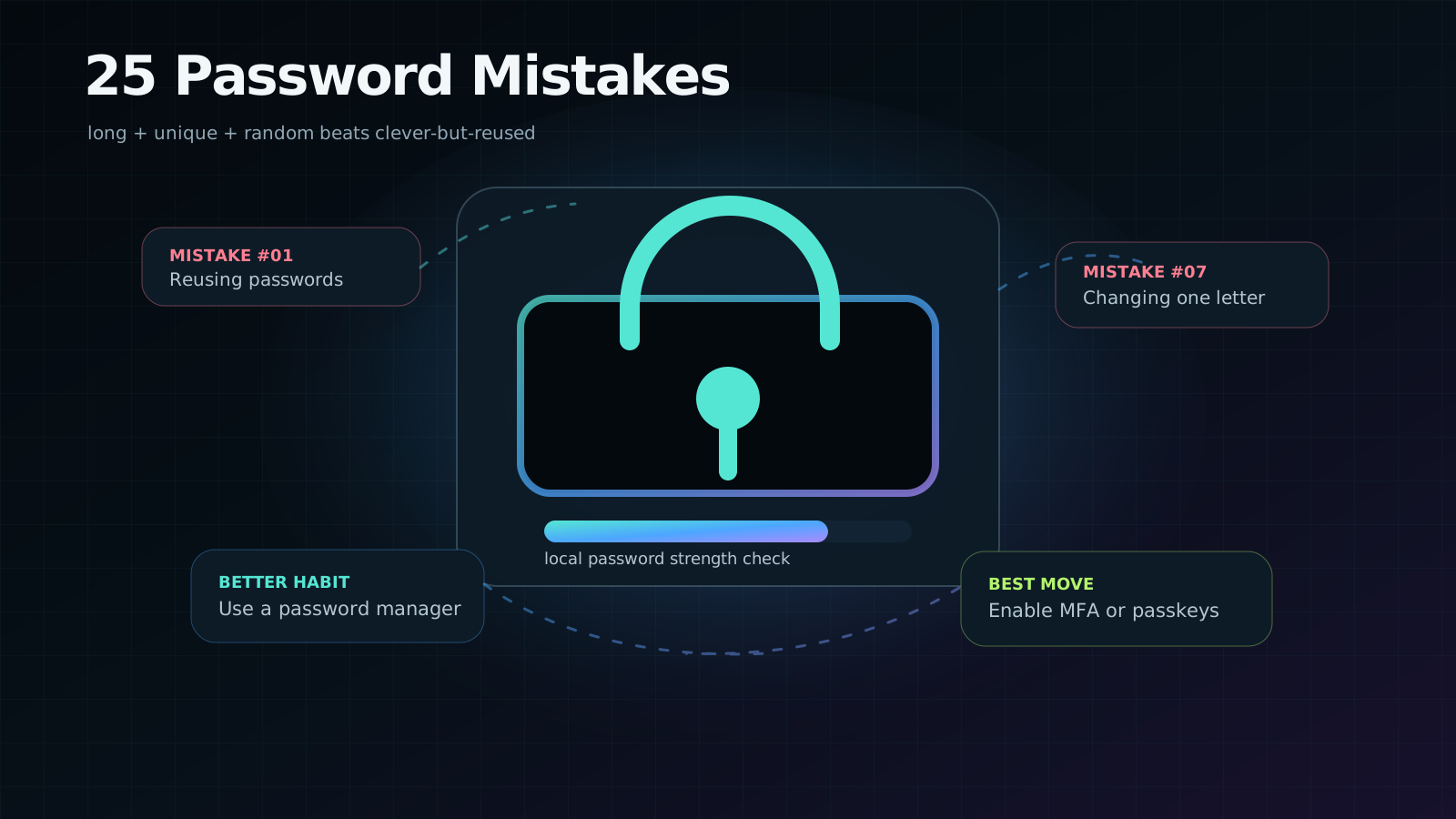
Password advice used to sound like gym-bro nonsense: add a capital letter, sprinkle a symbol, change it every 90 days, suffer forever. Modern security is calmer and more practical: make passwords long, unique, random, and stop trying to memorize your entire digital life.
Quick answer
The biggest password mistake is not weakness. It is reuse.
A medium-strength password used once is often safer than a clever-looking password reused everywhere. Attackers do not need to guess every account by hand. They buy or scrape leaked username-password pairs and try them automatically across email, banking, social media, cloud dashboards, shopping sites, and work tools.
01 // Modern rules
Strong passwords are long, unique, random, and protected by MFA
Current guidance from organizations such as NIST and CISA has moved away from worshipping weird symbol recipes. NIST says verifiers should allow long passwords, accept spaces and printable characters, and avoid arbitrary composition rules as the main control. CISA summarizes the user-friendly version beautifully: use long, random, unique passwords, preferably generated and stored by a password manager.
Translation: HorseBatteryRiverLamp72! is not automatically better than a randomly generated password. A memorable passphrase can be good when it is long and unique, but the safest default for most accounts is a password manager generating something you never have to memorize. Add MFA or passkeys on top, especially for email, banking, developer tools, cloud platforms, social media, and work accounts.
02 // Local tool
Strong password check
Use this local checker to evaluate a password pattern. It does not send the value anywhere. The analysis runs inside your browser. For maximum paranoia, test a similar pattern instead of your real production password.
Local password strength checker
This checks length, variety, common words, keyboard patterns, repeated characters, dates, and predictable substitutions. It cannot know whether you reused the password somewhere else.
- Use this for learning. Never share passwords with people, chatbots, or random websites.
A strong score here is not a magic shield. Unique password + MFA/passkey + secure recovery settings is the actual defense.
03 // The list
The 25 password mistakes people still make
- Reusing the same password everywhere. One leak becomes a master key for your life.
- Using short passwords. Short secrets are easier to brute-force and often appear in old breach lists.
- Using personal information. Birthdays, pet names, schools, nicknames, and phone numbers are not private clues.
- Trusting predictable substitutions. P@ssw0rd is not clever. Attackers know the alphabet too, tragically.
- Incrementing old passwords. Summer2025 becoming Summer2026 is a pattern, not a reset.
- Including the service name. FacebookKawshik123 tells attackers exactly how your pattern works.
- Using keyboard walks. qwerty, asdf, 1qaz2wsx, and 123456789 are ancient attacker snacks.
- Adding only a year or exclamation point. A tiny suffix rarely changes the attack model.
- Saving passwords in screenshots or notes. If malware, cloud sync, or a shared device sees it, the secret is no longer secret.
- Sending passwords through chat or email. Messages get forwarded, searched, backed up, breached, and forgotten.
- Thinking complexity beats uniqueness. A monster password reused on ten sites is still dangerous.
- Disabling paste on login forms. This pushes people away from password managers and toward weaker passwords.
- Answering security questions truthfully. Your mother’s maiden name might be public record. Treat answers like passwords.
- Saving passwords on shared computers. Browser sync on a family, lab, cafe, or office machine can expose more than expected.
- Skipping MFA because the password is strong. MFA exists because passwords get phished, logged, reused, and stolen.
- Ignoring breach alerts. A warning from a password manager or breach monitor is not decoration.
- Using work passwords on personal sites. Your company should not be one cracked shopping forum away from compromise.
- Recycling an old password after a breach. Once leaked, assume it will live forever in attacker datasets.
- Leaving recovery accounts weak. Your email and recovery phone can unlock everything else.
- Relying only on SMS for high-value accounts. SMS is better than nothing, but passkeys, authenticator apps, and hardware keys are stronger.
- Forgetting to revoke sessions. Changing the password does not always remove every logged-in device or app token.
- Emailing yourself a password list. Congratulations, you built a searchable breach package.
- Keeping default router or IoT passwords. Admin/admin is not a personality. Change default credentials.
- Not securing the password manager itself. Your vault needs a strong master password and MFA.
- Believing a password solves every identity risk. Phishing, malicious OAuth apps, stolen cookies, and weak recovery flows can bypass even strong passwords.
04 // Better habits
The sane password system for normal people
First, choose a trusted password manager. Let it generate unique passwords for each account. Second, protect the password manager with a strong master password that you do not reuse anywhere. Third, enable MFA on the manager itself. Fourth, turn on breach monitoring so reused or compromised passwords are surfaced before attackers quietly test them.
For passwords you must memorize, use a long passphrase with unrelated words and a bit of randomness. Do not use a quote, lyric, family phrase, or anything already associated with you. Better: let the manager generate and store passwords so your brain only has to remember the vault secret.
If an account can spend money, reset other accounts, publish as you, access private files, or touch work systems, it deserves a unique password and MFA.
05 // Builder note
If you build login systems, stop teaching bad password behavior
Developers can make password security better or worse. Allow long passwords. Allow spaces and paste. Avoid tiny maximum lengths that break password managers. Block known-breached passwords. Rate-limit login attempts. Add MFA and passkey support. Do not leak whether an email exists during password reset. Hash passwords with a dedicated password hashing algorithm, not a fast general hash.
OWASP’s Authentication Cheat Sheet emphasizes practical controls such as standard password fields, sensible maximum length, printable characters, paste support, and proper strength controls. The point is not to make users solve a puzzle. The point is to make safe behavior the easiest behavior.
06 // Quick answers
Frequently asked questions
Is a 12-character password enough?
It depends, but for important accounts I would aim higher. CISA recommends at least 16 characters, and modern NIST guidance emphasizes allowing long passwords. Length, uniqueness, and randomness matter more than tiny symbol tricks.
Should I change passwords every month?
Routine forced rotation often makes people create predictable variations. Change a password when it is weak, reused, exposed, or when you suspect compromise.
Are passkeys better than passwords?
Usually, yes. Passkeys are phishing-resistant and remove many password reuse problems. Use them where available, but keep your recovery methods secure too.
Sources & methodology
Official references used
- NIST SP 800-63B - Digital Identity Guidelines for authenticators
- CISA - Use Strong Passwords
- FTC - Creating Strong Passwords and Other Ways To Protect Your Accounts
- OWASP Authentication Cheat Sheet
- Have I Been Pwned - Pwned Passwords privacy model
Editorial method: The mistake list prioritizes behaviors that enable credential stuffing, phishing, account recovery abuse, or unsafe password storage. The checker is an educational estimate, not a cryptographic audit, and it does not transmit the typed value.