Patient portal
Find doctors, book appointments, review health history, and join consultations.
CASE STUDY // DIGITAL HEALTH
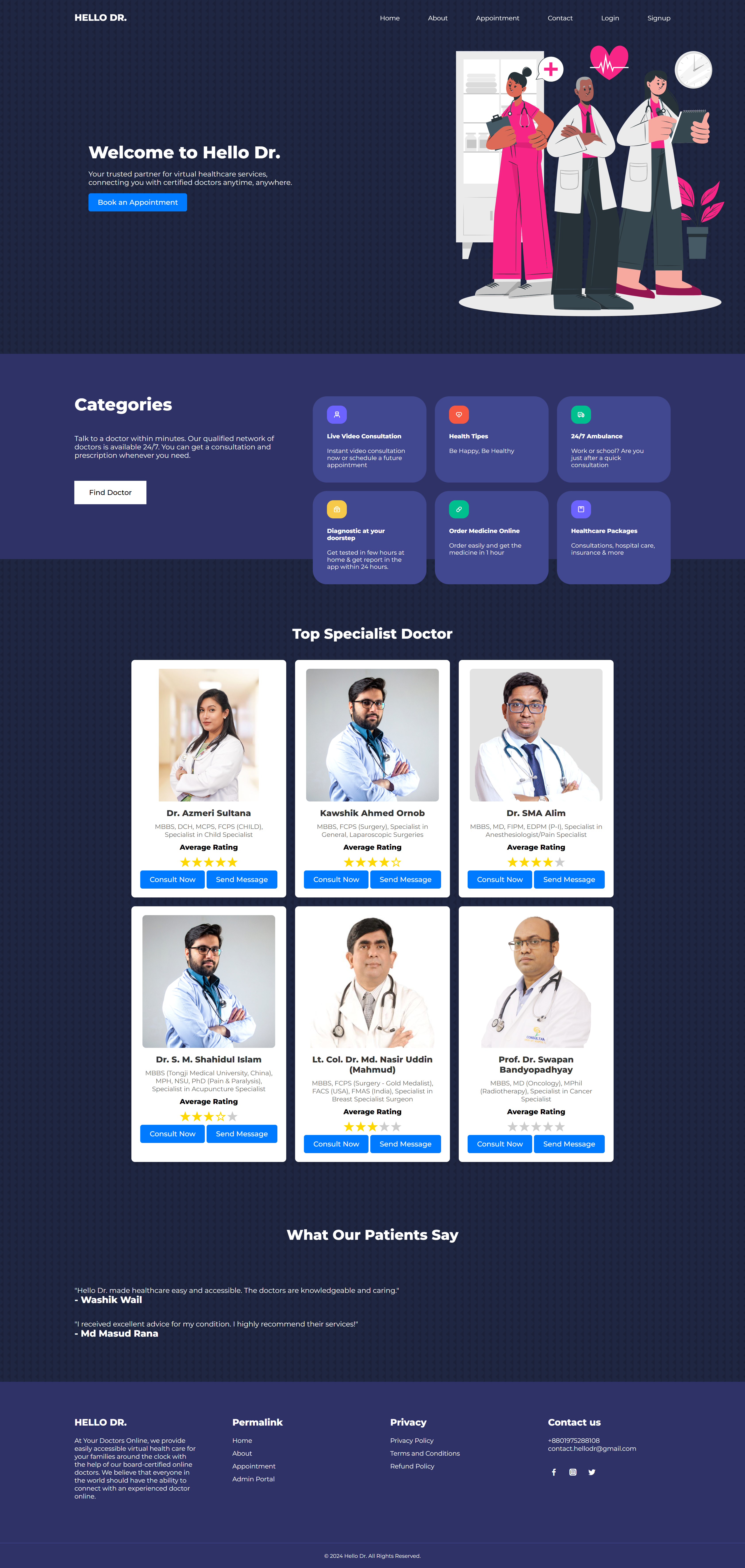
HelloDr is a full-stack virtual healthcare platform that connects patients with certified doctors for discovery, appointments, video consultations, prescriptions, and secure communication.
Secure care workflow initialized
01 // CORE EXPERIENCE
Each role gets a clear path through the platform while the underlying system keeps appointments, clinical context, and communication connected.
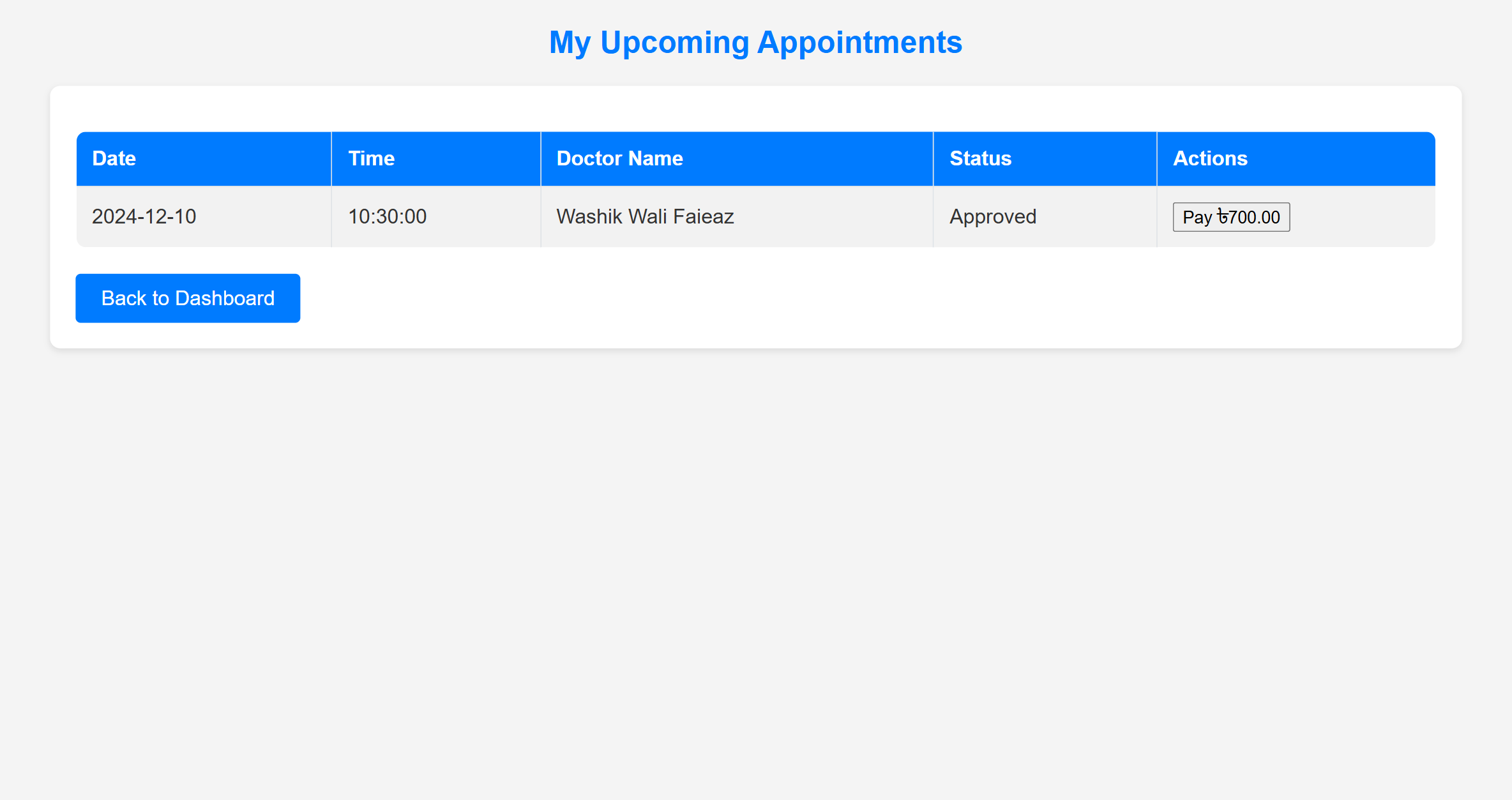
Find doctors, book appointments, review health history, and join consultations.
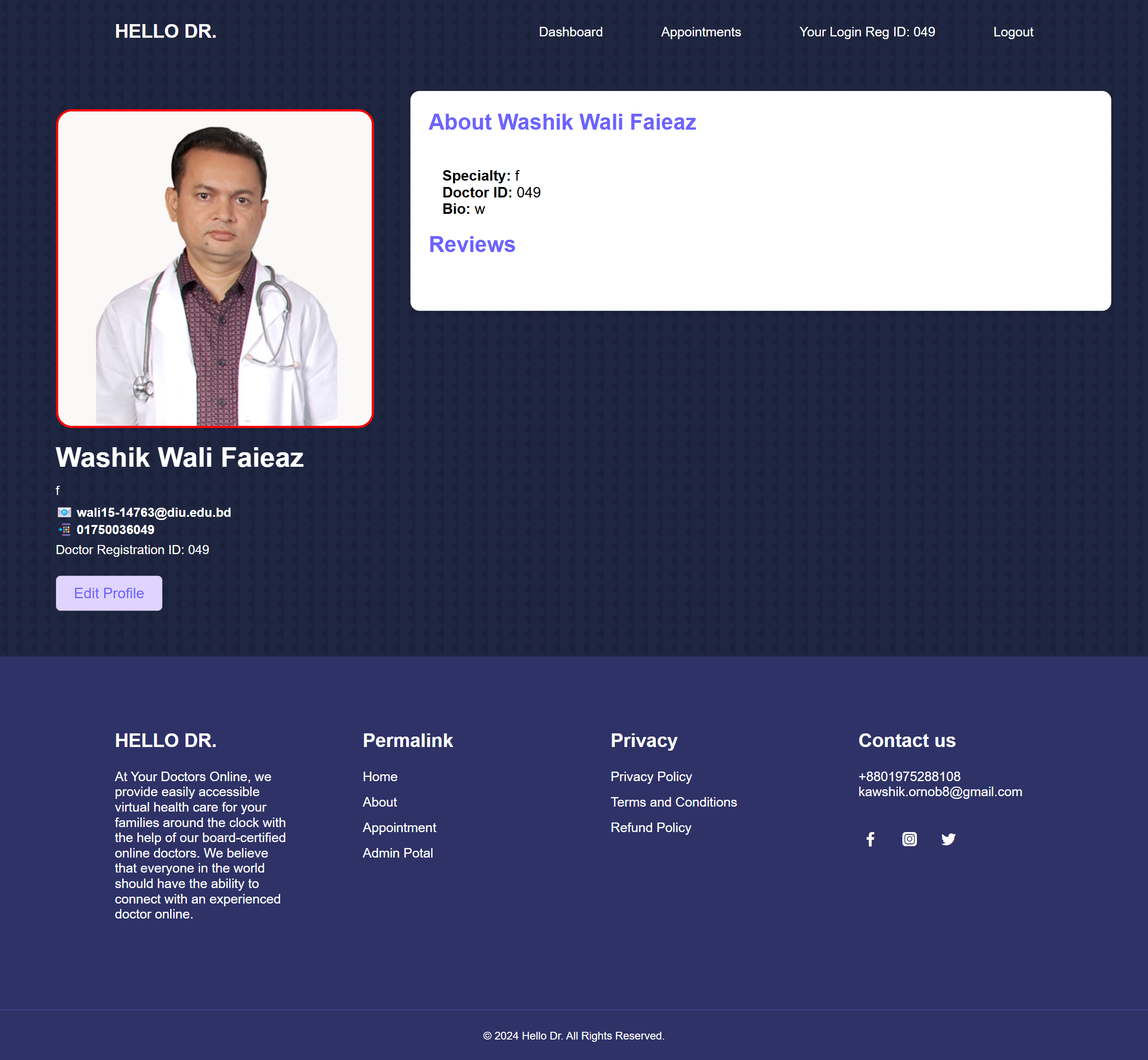
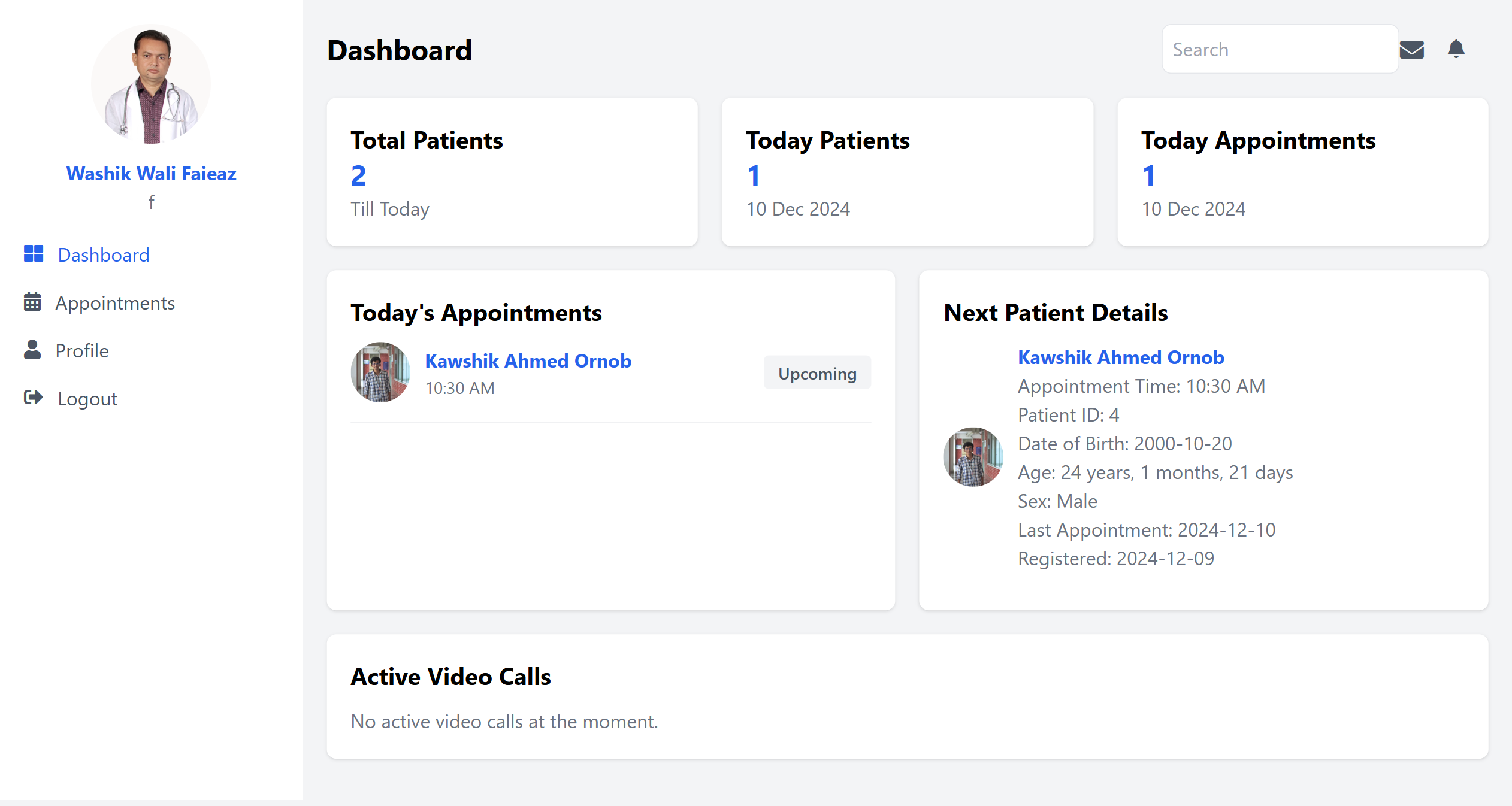
Manage availability, patient records, prescriptions, and consultation activity.
Support real-time remote consultations and follow-ups through a WebRTC workflow.
Oversee verification, users, platform activity, and operational content.
02 // PROJECT OVERVIEW
HelloDr explores how a web-based care platform can make medical services easier to reach, especially for people in remote locations. The interface brings doctor discovery, scheduling, patient context, and live consultations into one coherent experience.
The project combines role-aware dashboards with a familiar, responsive interface so patients and clinicians can focus on the consultation instead of fighting the software.
03 // INTERFACE TOUR
A responsive system covering public discovery, doctor profiles, clinical dashboards, and patient appointment history.
.png)
04 // LOCAL SETUP
The project runs in a standard PHP and MySQL development environment such as XAMPP.
git clone https://github.com/kawshik-ornob8/HelloDr.git
cd HelloDrCreate a MySQL database named hello_dr, then import hello_dr.sql.
// config.php
$servername = "localhost";
$username   = "root";
$password   = "";
$dbname = "hello_dr";Move the project into XAMPP/htdocs and open http://localhost/HelloDr/.
NEXT ITERATION
OPEN SOURCE
Fork the repository, create a focused feature branch, document the change, and open a pull request for review.
Open GitHub